
Using Proton Contacts on mobile
- Reading
- 3 mins
- Categories
- Android app
- Contacts
- iOS app
Proton Contacts lets you view, search, and use your saved contacts directly from the Proton Mail mobile app. Sensitive contact details are protected with zero-access and end-to-end encryption.
Open Proton Contacts
- Open the Proton Mail app on Android(new window) or iOS(new window).
- Sign in with your Proton Account if you’re not already logged in.
- Tap the menu ☰ button and open Contacts.
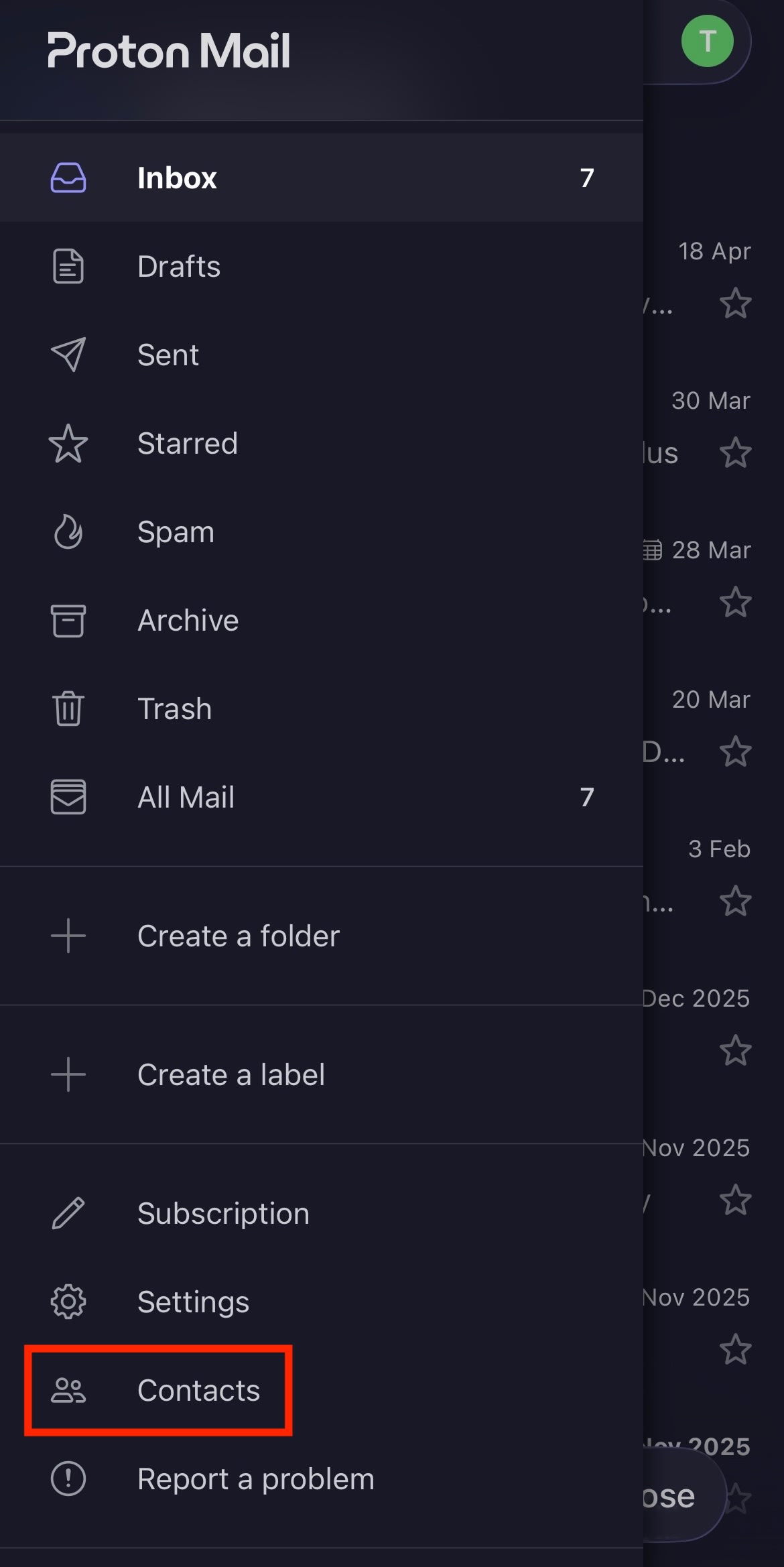
From there, you can view your saved Proton contacts.

Using Proton Contacts
You can:
- View contact details such as phone number, address, birthday, and notes.
- Use the search bar in Contacts to quickly find someone.
- Tap Message to compose a Proton Mail message directly from a contact.
- Tap Call to call a contact from your phone.

Future features
- Edit, delete, share, and import contacts.
- Sync the contacts in your Proton Mail app to the default contact app on your mobile device.
- Make Proton Contacts your default contacts app.