
How to enable multi-user support
- Lecture
- 1 minute
- Catégories
- Proton Pass
- Proton Pass for Business
To access all the features of Proton Pass for Business, you’ll need to enable support for multiple users.
- Go to pass.proton.me(nouvelle fenêtre) and sign in to your account. Once you’re logged in, go to the bottom left of your screen and click on the cogwheel icon and click Account.

- In the settings menu, click on the tab for multi-user support on the left, under Organizations. There, click on Enable multi-user support.

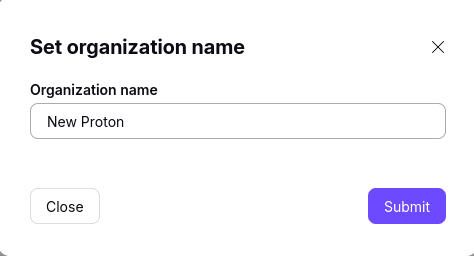
- You’ll be asked to confirm the changes by entering your password and then you can choose a name for your new organization.
- Once your organization has been created, you’ll automatically be the primary admin for the account. This allows you to add and remove users, and set permissions for them.