
How to set up the Proton Pass Linux app
- Lecture
- 2 minutes
- Catégorie
- Using Proton Pass
This guide will help you install the Proton Pass Linux app for Debian and Ubuntu-based distributions (DEB) and Fedora and Red Hat-based distributions (RPM).
- Create a Proton Pass account
- Download and install Proton Pass for Linux
- Import your passwords
- Update the app
Create a Proton Pass account
If you don’t already have one, sign up for a Proton Pass account.
Set up the Proton Pass Linux app
Debian/Ubuntu-based distros
- Download the Proton Pass DEB file.
- Confirm the package’s integrity. To find the SHA512CheckSum for the latest version of this package, open this JSON file(nouvelle fenêtre) in a text editor. To verify its checksum, run this command:
echo "<SHA512CheckSum> ProtonPass.deb" | sha512sum --check -
- Open a terminal window in the directory you downloaded the file to (typically your Downloads folder). Run:
sudo dpkg -i ProtonPass.deb
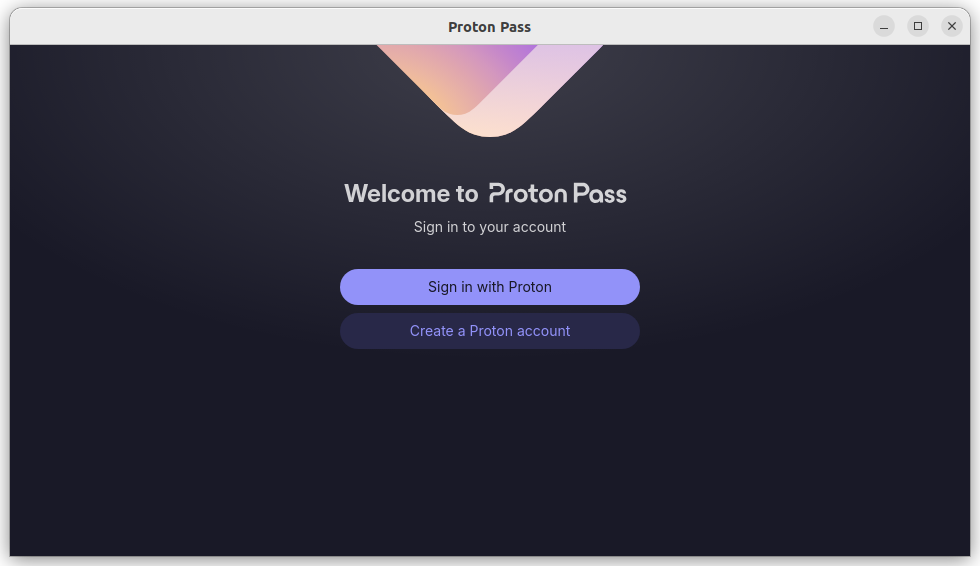
- Sign into your Proton Pass account.
Fedora/ Red Hat-based distros
- Download the Proton Pass RPM file.
- Confirm the package’s integrity. To find the SHA512CheckSum for the latest version of this package, open this JSON file(nouvelle fenêtre) in a text editor. To verify its checksum, run this command:
echo "<SHA512CheckSum> ProtonPass.rpm" | sha512sum --check -
- Open a terminal window in the directory you downloaded the file to (typically your Downloads folder). Run:
sudo rpm -i --force ProtonPass.rpm
- Sign into your Proton Pass account.
Import your passwords
If you have passwords and logins in another password manager, you can import them to Proton Pass.
Learn how to import your passwords to Proton Pass
Update the app
You’ll get an an in-app notification when an update is available.
To update the app, simply download the latest DEB or RPM file and install it as described above. You don’t need to uninstall the old version.5. Open Proton Pass and sign in with your Proton Account username and password (and 2FA code if you’ve enabled it).
If you’ve used a password manager before, the first thing you’ll probably want to do is import your logins from it.
And that’s it! You can now easily access your saved passwords, notes, hide-my-email aliases, and credit card details from the convenience of a desktop app.
How to update the app
When an update is available, we’ll let you know via an in-app notification. To update the app, simply download the latest DEB or RPM file and install it as described above. There’s no need to uninstall the existing app.